You've leveled the bed, checked the settings, and sliced the model perfectly. But the print comes out covered in thin strings, tiny bubbles, or a rough, fuzzy surface.
Before you change another setting, check one thing: is your filament wet?
Many types of filament soak up moisture from the air. And in a humid place like Singapore or Malaysia, it can happen faster than you'd expect. Here's how to spot it, fix it, and prevent it.
Why Filament Absorbs Water

Most 3D printer filament is hygroscopic, which means it pulls moisture out of the air. Even a spool that looks perfectly fine can be damp inside.
When wet filament goes through the hot nozzle, the trapped water turns into steam. The steam makes bubbles and tiny explosions in the melted plastic. That's what ruins your print.
Some filaments absorb water faster than others:
- Nylon and PVA: very quickly. They can go bad within hours or days in humid air.
- TPU (flexible filament): quickly.
- PETG: moderately.
- PLA: more slowly, but it still absorbs moisture over time.
- ABS and ASA: generally the slowest, but they aren't immune.
Signs Your Filament Is Wet

Wet filament often shows up in these ways:
- Stringing and oozing. Thin strings or "hair" between parts of your model.
- Popping, crackling, or hissing sounds from the nozzle while printing.
- Tiny bubbles or steam coming from the nozzle.
- Rough, fuzzy, or pitted surfaces instead of smooth ones.
- Dull, matte finish on a filament that should be glossy.
- Weak or brittle prints with poor layer bonding.
- Inconsistent extrusion, with blobs, gaps, or clogs.
- Brittle filament that snaps easily when you bend it.
If you see a few of these together, wet filament is a likely cause.
Is It Really Moisture? Other Causes to Check

Stringing and rough surfaces can come from other things, too. Before you start drying, run a quick check:
- Nozzle temperature too high. Try lowering it by 5°C to 10°C.
- Retraction settings too low. Increase retraction distance or speed a little.
- Travel speed too slow. Faster travel moves can reduce stringing.
- Dirty or worn nozzle. Clean or replace it.
- Old or poor-quality filament. Cheap filament can have uneven diameter.
A simple test helps: if the filament pops and crackles, or you see steam, it's almost certainly moisture. If it doesn't, check the settings above.
How to Dry Wet Filament

Drying is simple, and it often fixes the problem right away. Here are the main options.
Option 1: A Filament Dryer
A dedicated filament dryer is the easiest and most reliable option. You put the spool inside, set the temperature, and let it run. Many models also let you print directly from the box.
Option 2: A Food Dehydrator
An inexpensive food dehydrator works well for many people. Remove the trays so the spool fits, and set the temperature. If you do this, use a dehydrator dedicated to your hobby, and don't reuse it for food afterward.
Option 3: A Home Oven (Use Caution)
Some people use a household oven, but many ovens aren't accurate at low temperatures, and too much heat can soften or warp the spool. If you try it, use a separate oven thermometer, and keep the temperature well below the filament's softening point. A dryer or dehydrator is safer.
Typical Drying Temperatures and Times
These are rough starting points. Always check your filament manufacturer's instructions, since brands and blends vary.
| Filament | Typical drying temperature | Typical time |
|---|---|---|
| PLA | About 45°C to 55°C | 4 to 6 hours |
| PETG | About 60°C to 65°C | 4 to 6 hours |
| TPU | About 50°C to 55°C | 4 to 6 hours |
| ABS / ASA | About 60°C to 80°C | 4 to 6 hours |
| Nylon | About 70°C to 80°C | 8 to 12 hours or more |
| PVA | About 45°C to 50°C | 4 to 6 hours |
Don't go too hot. PLA, in particular, can soften and warp at a lower temperature than you'd think, and a deformed spool can jam your printer.
After drying, print right away, or move the spool into airtight storage while it's still warm and dry.
How to Store Filament So It Stays Dry

Drying fixes the problem now. Good storage stops it from coming back.
Use Airtight Containers With Desiccant
Put each spool in a sealed plastic box, a zip-top bag, or a vacuum bag. Add a desiccant packet, such as silica gel, to absorb moisture. Replace or re-dry the desiccant when it's full.
Add a Hygrometer
A small humidity gauge inside the container tells you how dry it really is. Many people aim for a relative humidity of roughly 20% or lower for sensitive filaments like nylon and PVA, and under about 30% to 40% for others. Check your filament's guidance for the best target.
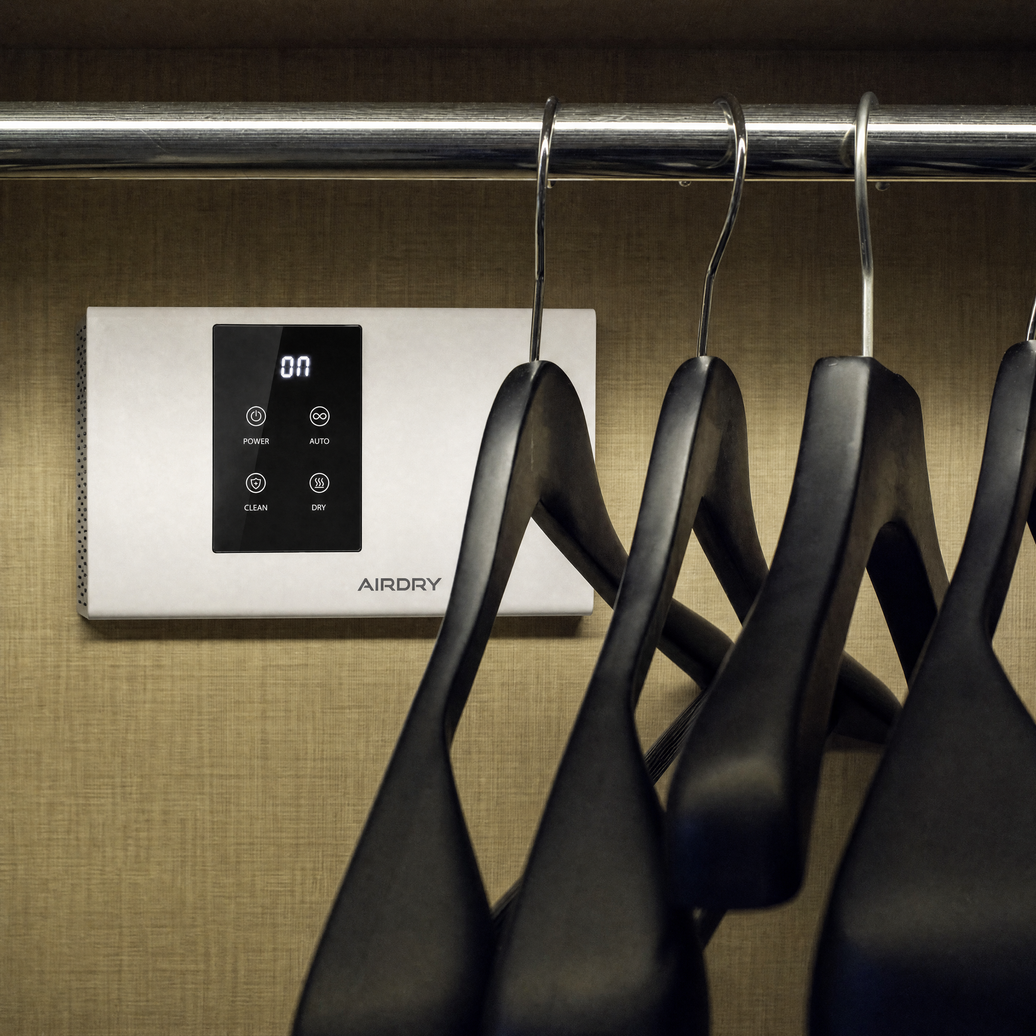
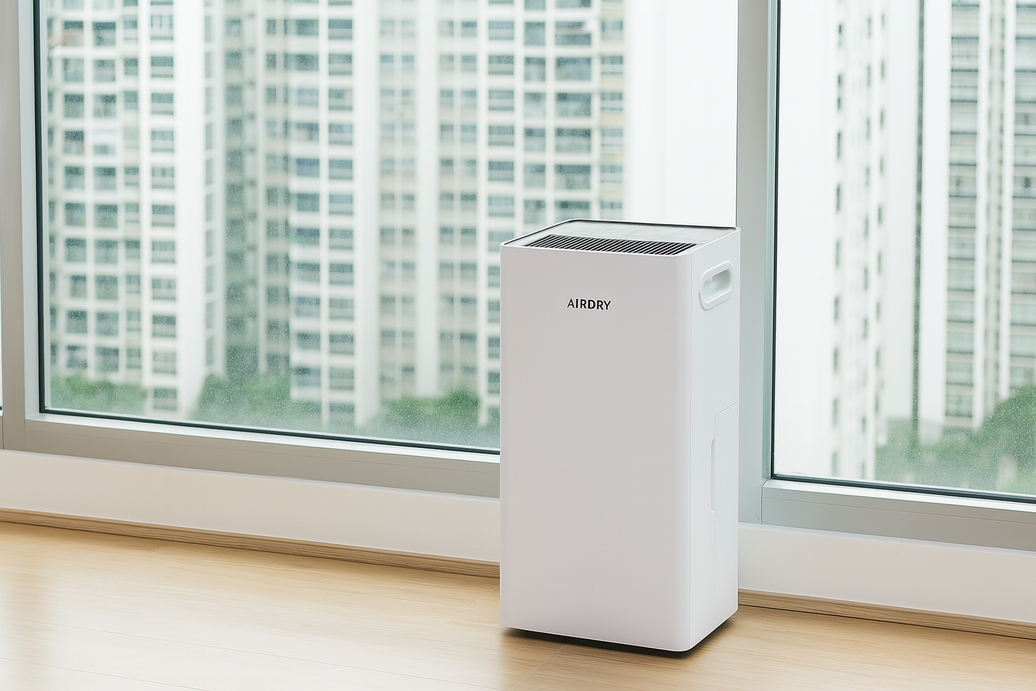
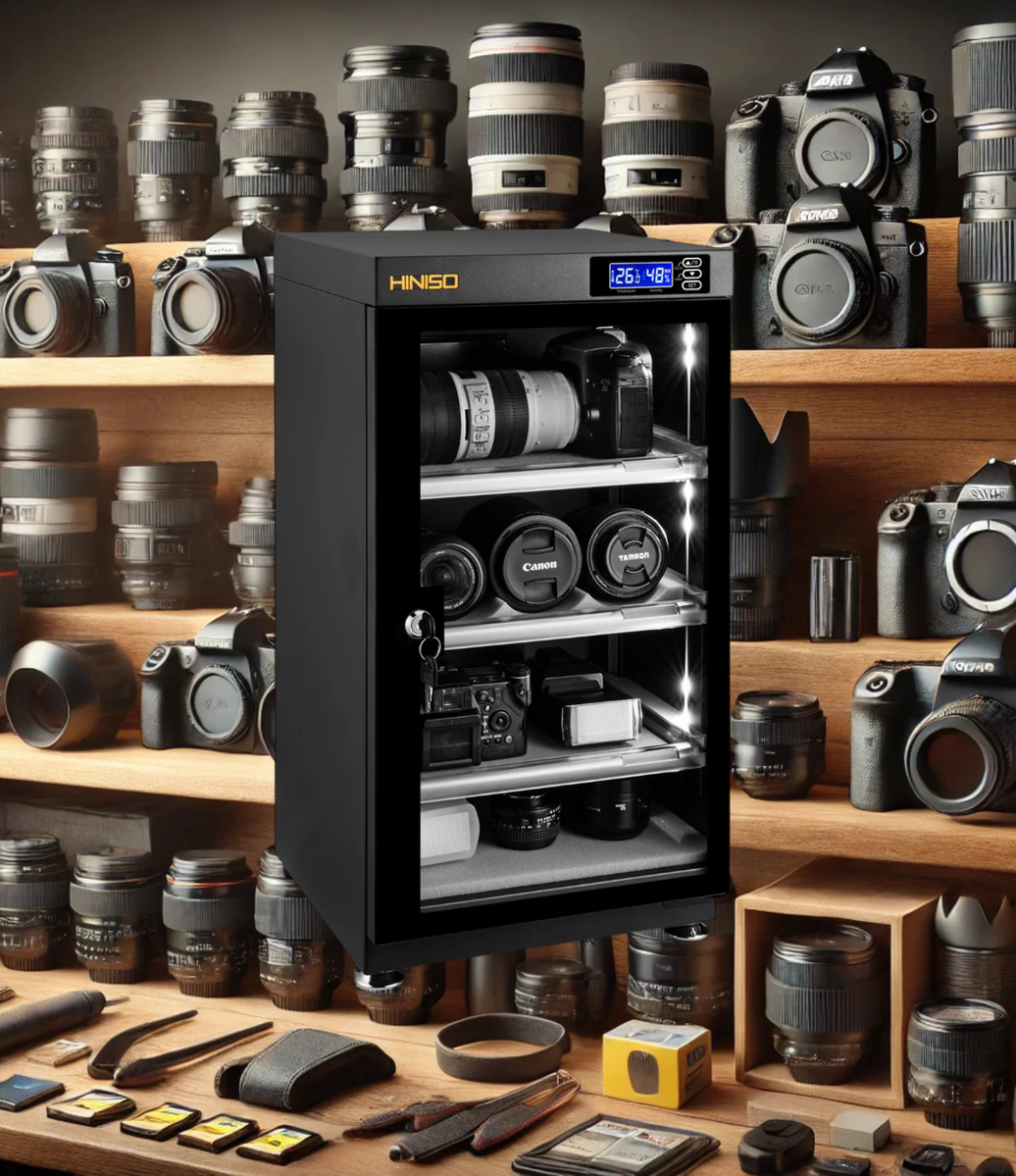
Use a Dry Cabinet
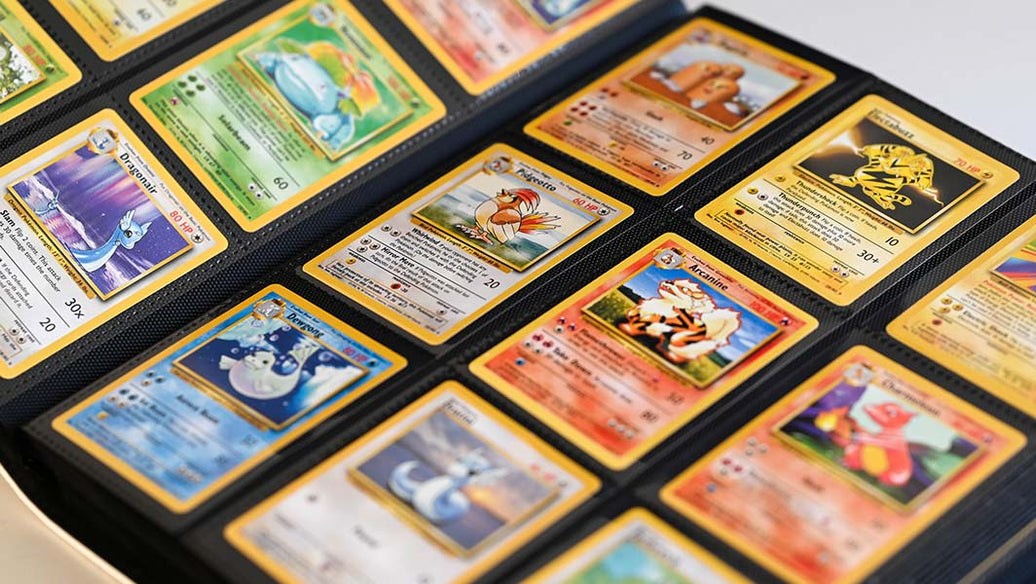
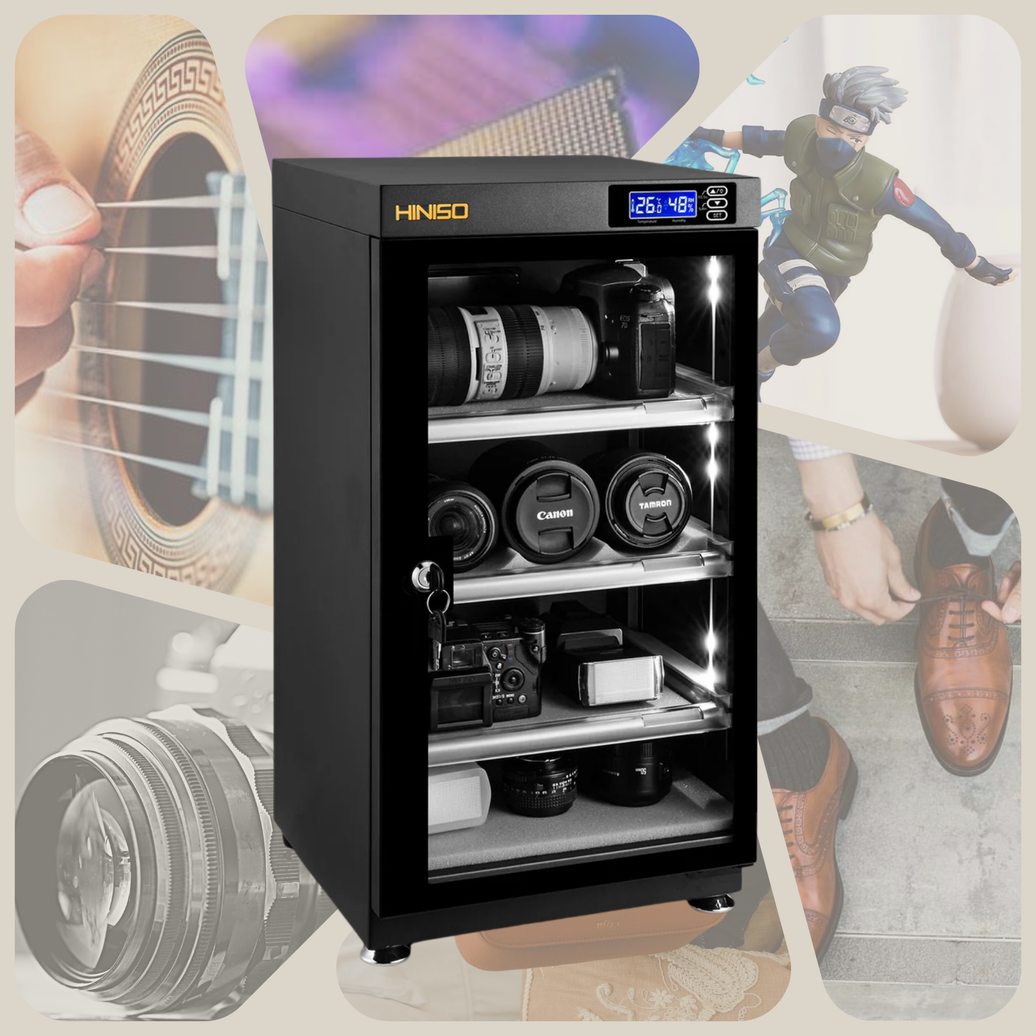
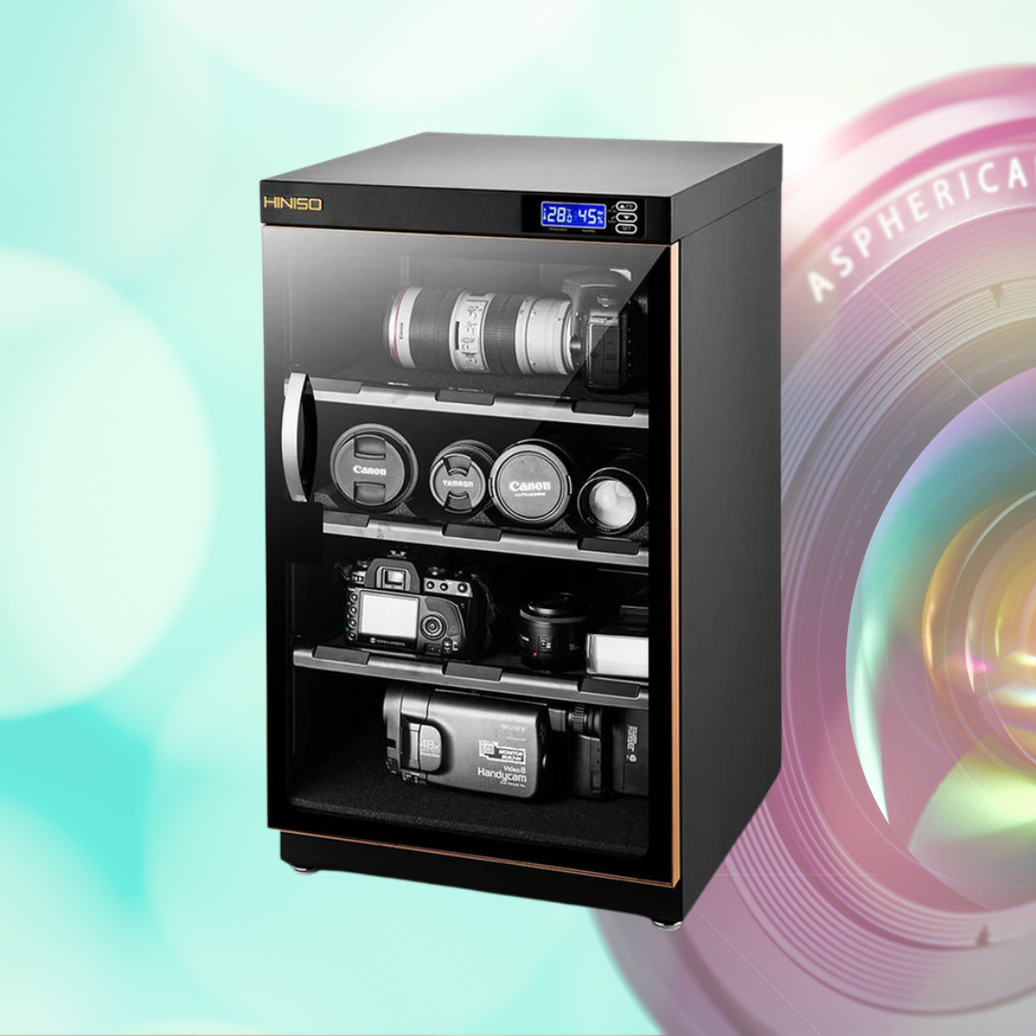
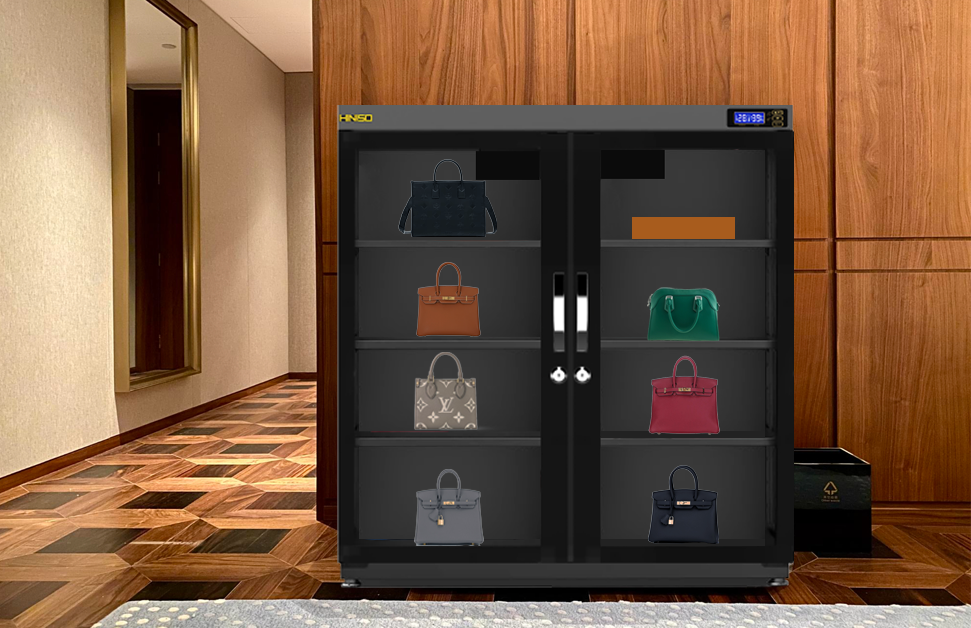
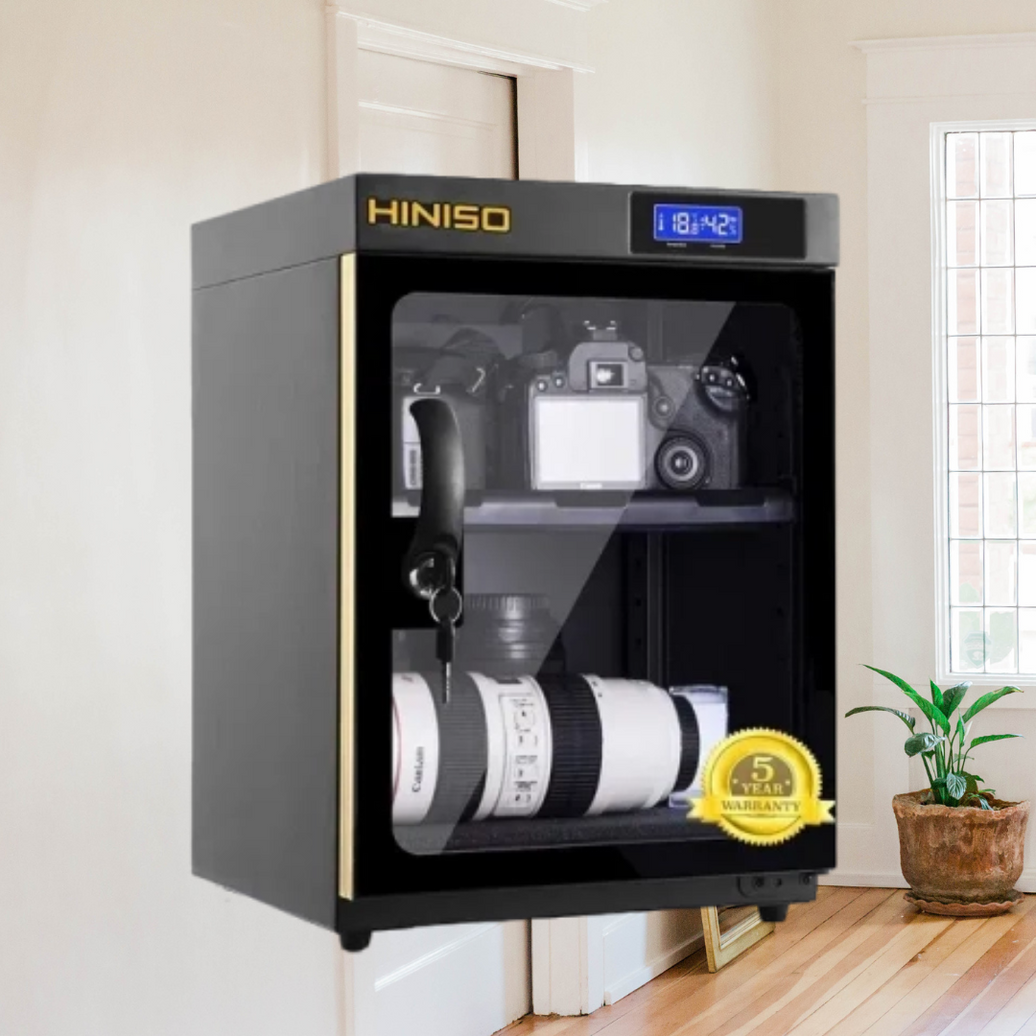
For a bigger collection, a dry cabinet keeps humidity steady with little work. It's the same idea used to protect camera gear and trading cards in humid places. If you're curious, see our guide on whether you need a dry cabinet if you only own one camera, and our post on how to store high-value Pokémon cards safely. The logic is the same.
Print From a Dry Box
Even while printing, a spool can absorb moisture from the air. A dry box that feeds filament to your printer through a small tube keeps it dry during long prints. This helps most with nylon, TPU, and PVA.
Don't Leave Spools Out
Leaving a spool on the printer for weeks is one of the most common ways filament gets wet. When you're finished, put it back in its container.
Why Humid Climates Make It Worse

In Singapore and Malaysia, relative humidity is often well above the levels filament needs to stay dry. An open spool can pick up enough moisture to affect prints within days, and nylon and PVA can go bad even faster.
That's why filament storage is more important here than in drier countries. If you live somewhere humid, assume your filament needs protection, and make airtight storage a habit from day one.
A Quick Troubleshooting Checklist
- Listen for popping or crackling while printing.
- Look for stringing, bubbles, and rough surfaces.
- Dry the spool following the manufacturer's guidance.
- Print a small test, like a stringing test or a small calibration cube.
- Compare it with the earlier print.
- Store the spool in an airtight box with desiccant.
- If the problem remains, check temperature and retraction settings.
Frequently Asked Questions
Why is my 3D print stringy? Common causes are wet filament, a nozzle temperature that's too high, and retraction settings that are too low. If the filament pops or crackles, moisture is the likely cause.
Can PLA absorb moisture? Yes. It absorbs moisture more slowly than nylon or PETG, but it still happens, especially in humid weather.
How do I know if my filament is wet? Listen for popping, look for steam or bubbles at the nozzle, and check for rough, stringy, or brittle prints.
Can I fix wet filament? Usually, yes. Drying it with a filament dryer or a food dehydrator at the right temperature restores most filament, unless it's been damaged by heat or left wet for a very long time.
How long can filament sit out before it gets wet? It depends on the type and the humidity. Nylon and PVA can absorb water in hours, while PLA may take days or weeks. In humid places, everything happens faster.
Do I need a dry cabinet for filament? It's not required. Airtight boxes with desiccant work well for small collections. A dry cabinet is a good option for larger collections, or if you want to set it and forget it.
The Takeaway
If your 3D print looks stringy, bubbly, or rough, wet filament is one of the first things to check. Dry the spool, store it in an airtight container with desiccant, and keep an eye on humidity. In a humid climate, good storage is the cheapest way to get cleaner, stronger prints.
Keep your filament dry and ready to print. See our dry cabinet collection →